



ALE on täällä! Katso tarjoukset

Ohita
  • Adobe Photoshop 2026 & Premiere Elements 2026 Student & Teacher - PC W

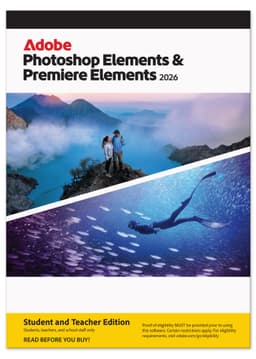
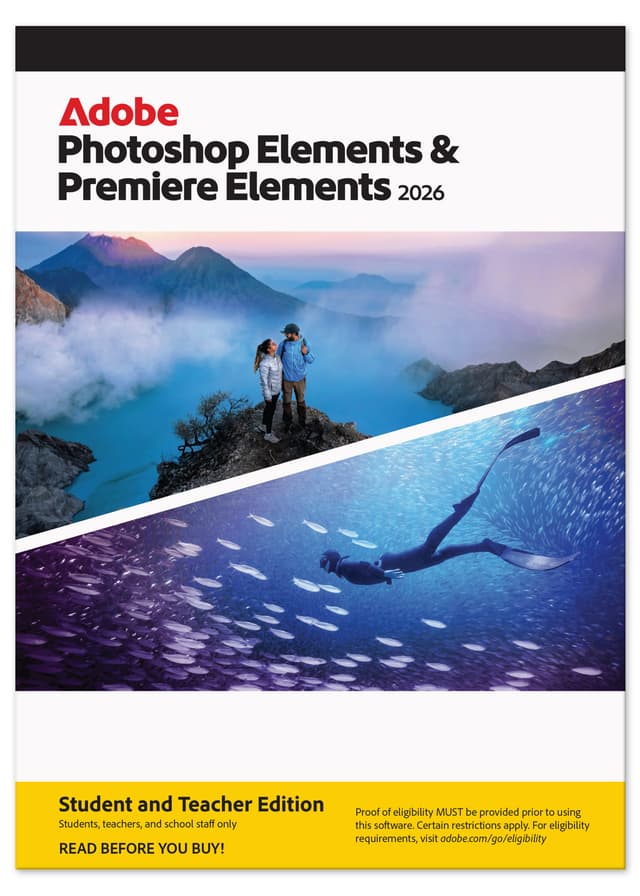
    Adobe Photoshop 2026 & Premiere Elements 2026 Student & Teacher - PC W

    Tuotetta ei ole vielä arvioitu.0

    Adobe Photoshop 2026 & Premiere Elements 2026 Student & Teacher - PC W

    Adobe

    Tuotteen perustiedot

    <strong>Sold as a 3-year term license.</strong><ul><li>This is a license for a full 3-year term.</li><li>The license is non-renewing — it expires 3 years after redemption.</li></ul>Your photos and videos are everything, so why not make themTutustu ominaisuuksiin
    99 €78,88 €
    alv. 0%

    Avainominaisuudet

      Katso tekniset tiedot

      Sold as a 3-year term license.

      • This is a license for a full 3-year term.
      • The license is non-renewing — it expires 3 years after redemption.

      Your photos and videos are everything, so why not make them absolutely amazing? Photoshop Elements & Premiere Elements 2026 gives you easy ways to edit, unique creative options, and room to grow so you can always get the look you envision. Easily touch up your pics, enhance them with effects, or generate all-new images. And quickly trim and resize your videos and add transitions, motion titles, music, and more. 

      Here’s why you’ll love Elements:

      • It makes photo and video editing fast, easy, and fun. Dive right in and build skills as you go with Quick, Guided, and Advanced editing modes. Tap into the power of AI to easily fix and enhance your photos and videos — or instantly generate all-new images and backgrounds.
      • Your pics will pop. Whether your photos capture a group project, a club volleyball game, or a night out with friends, Photoshop Elements has everything you need to make them look their best. Quickly erase distractions, replace backgrounds, and touch up faces. Add style with effects, text, graphics, and animation. And showcase your pics in collages, Photo Reels, and Adobe Express templates for social posts, videos, posters, and more.
      • Your videos will grab attention. Make everything from scroll-stopping social clips to creative stop-motion movies to documentary videos for class with Premiere Elements. Effortlessly trim and resize. Edit 360° and VR videos. Enhance the action with effects, transitions, expressive text, motion titles, music, and animations. And share your clips in collages, slideshows, and Highlight Reels.

      Here’s what’s new in Elements 2026:

      • NEW Bring ideas to life with generative AI for photos.
        Type a description to create anything from a basic background to a detailed image.*
      • NEW Edit and enhance 360° and VR videos. 
        Position your footage and add effects, transitions, text, and graphics. Export in VR or standard formats for easy social sharing.  
      • NEW Add new elements to photos with generative AI.
        Brush over an area and then type a description of an object to see it appear.*
      • NEW Access free Adobe Stock media. 
        Discover high-quality photos, videos, audio clips, and sound effects right inside Premiere Elements.  
      • NEW Restore photos with AI.
        Revive memories by erasing scratches, creases, and wear and tear.
      • NEW Format text with style templates and a style browser.
        Create consistent looks fast by using included text style templates or creating your own, and save your favorites in a visual browser for easy access.
      • ENHANCED Make anything disappear from a pic in seconds.
        The AI-powered Remove tool now automatically detects people in the background of your photos for easy removal.
      • NEW Explore more motion title templates for videos. 
        Easily add stylish text, graphics, and animations. 
      • NEW Easy access to free Adobe Express templates.
        Take your photos further with thousands of free templates for social posts, videos, posters, and more.
      • NEW Create more vibrant and expressive text.
        Grab attention by adding emojis to video titles and text, and use color fonts in photo and video text.
      • NEW Learn with visual tooltips. 
        Built-in hints and animations help you get up to speed fast. 
      • NEW Frame video scenes better with freehand crop.  
        Just drag crop handles to resize your videos. 
      • NEW Save time with workflow enhancements 
        Edit photos with modern crop handles, toolbars that adjust based on what you’re doing, and a spell checker. Delete video Timeline gaps all at once and experience faster shake stabilization. 
      • NEW Import mobile pics via QR code. 
        Scan a code to bring your mobile photos right into Photoshop Elements. 
      • ENHANCED Import and view more easily in the Organizer. 
        Quickly import from cloud services like Google Drive and OneDrive, and get easier access to full-screen mode and zoom controls

      *Photoshop Elements & Premiere Elements 2026 comes with 25 generative credits per month. Each generative AI action in Photoshop Elements consumes 1 credit. If you use all your credits for the month, you can buy more credits within the app, or wait for the monthly credits to reset.

      Photoshop Elements & Premiere Elements 2026 comes with 25 generative credits per month. Each generative AI action in Photoshop Elements consumes 1 credit. If you use all your credits for the month, you can buy more credits within the app, or wait for the monthly credits to reset. Learn more about generative credits.

      Adobe, the Adobe logo, Adobe Express, Adobe Premiere, and Photoshop are either registered trademarks or trademarks of Adobe in the United States and/or other countries. Microsoft is either a registered trademark or a trademark of Microsoft Corporation in the United States and/or other countries. Windows is either a registered trademark or a trademark of Microsoft Corporation in the United States and/or other countries. All other trademarks are the property of their respective owners.

      © 2025 Adobe. All rights reserved. Printed in the USA. 07/24

      Windows Requirements

      • Intel 8th Generation or newer processor or AMD equivalent with AVX2 and SSE4.2 support; Windows on ARM processor not supported
      • Microsoft Windows 11 (version 23H2) or later, 64-bit versions only; Windows 10, Windows 7, Windows 8.1 not supported
      • 8GB of RAM
      • 12GB of available hard-disk space to install application; additional space required for downloading online content and for temporary files during product installation and usage (cannot install on a volume that uses a case-sensitive file system or on removable flash storage devices)
      • 1440x900 display resolution (at 100% scale factor); 1920x1080 or higher recommended
      • Microsoft DirectX 12 compatible sound and display driver
      • Windows Media Player (required if importing Windows Media files)
      • Internet connection required for product activation and download of online content

      Mac OS Requirements

      • Intel 8th Generation or newer processor; Apple silicon M1 or newer processor recommended
      • macOS 14 (14.4 or later), macOS 15 (15.5 or later)
      • 8GB of unified memory
      • 13GB of available hard-disk space to install application; additional space required for downloading online content and for temporary files during product installation and usage (cannot install on a volume that uses a case-sensitive file system or on removable flash storage devices)
      • 1440x900 display resolution (at 100% scale factor0; 1920x1080 or higher recommended
      • Internet connection required for product activation and download of online content

      Recommended for both Windows and macOS

      • 16GB of RAM for HD media
      • 32GB or more of RAM for 4K media
      • 4GB of GPU VRAM
      • Fast internal SSD for app installation and cache
      • Additional high-speed drive(s) for media

      Adobe Premiere Elements supported import/export formats include:
      AVCHD (import), MPEG-1 (import), MPEG-2, MPEG-4, HEVC (import), DV-AVI (import on Windows), Windows Media (import on Windows), Apple ProRes, H.264, HDV, MP3, QuickTime (limited codecs), and many more.